

BUILD & EXPERIMENT

Build anything. Test everything. Grow faster.

Change a product page, test a shipping offer, or try a different price. Start with AI, a ready-made test, the visual editor, or code. You control who sees it and what goes live.
Book a demo 
Click me

What can you test?

Test more than page changes

Run experiments on the parts of your store that affect conversion, revenue, and profit.
ab-1
price-1
shipping-1
theme_svg
redirect-2
audience-2

Four ways to build

Build it your way

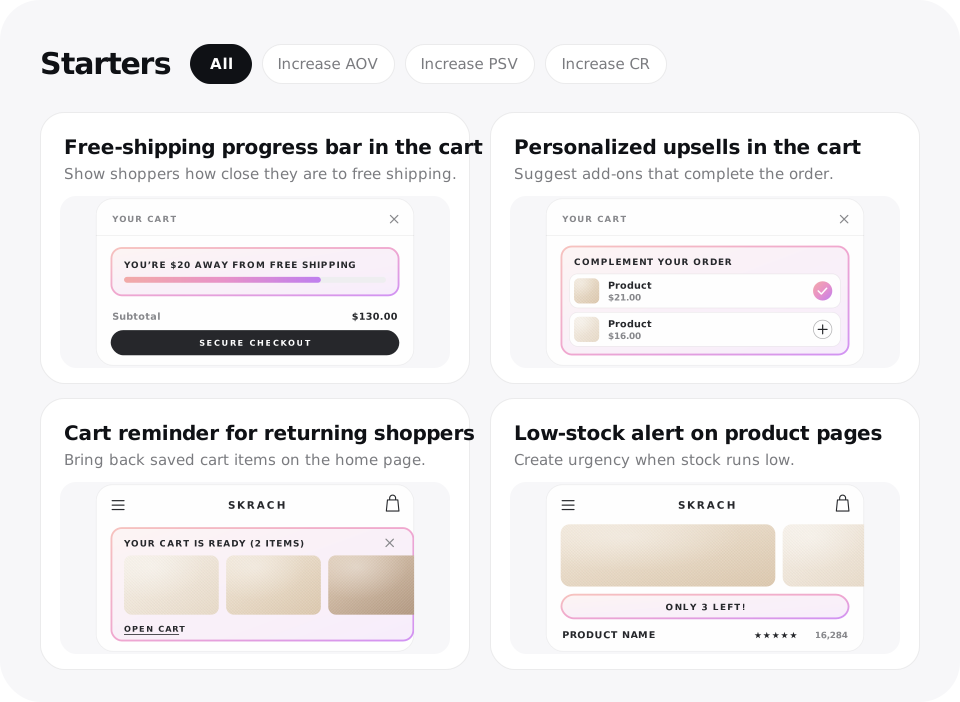
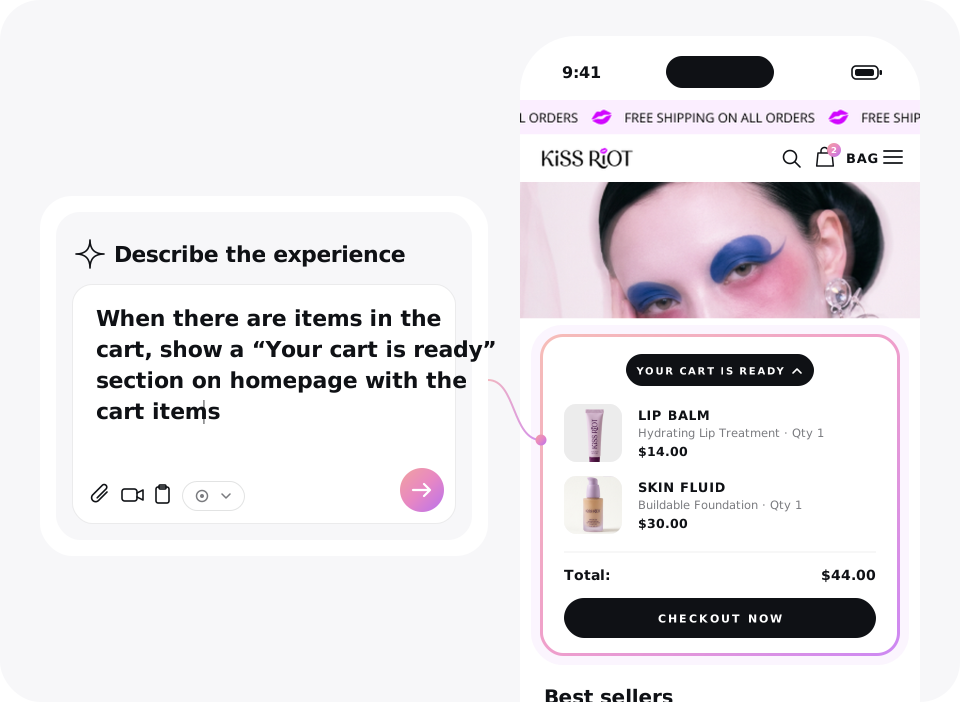
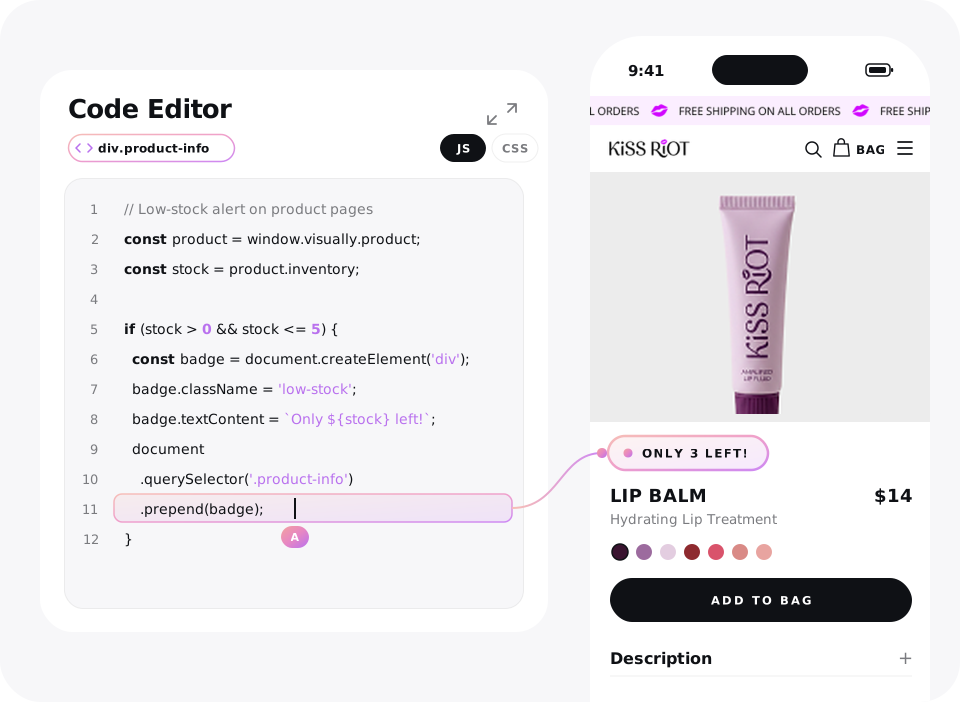
Start with a prompt, pick a ready-made test, edit the page yourself in the visual editor, or use code. You can fine-tune the result before you launch.
build-starters

Every page, every step

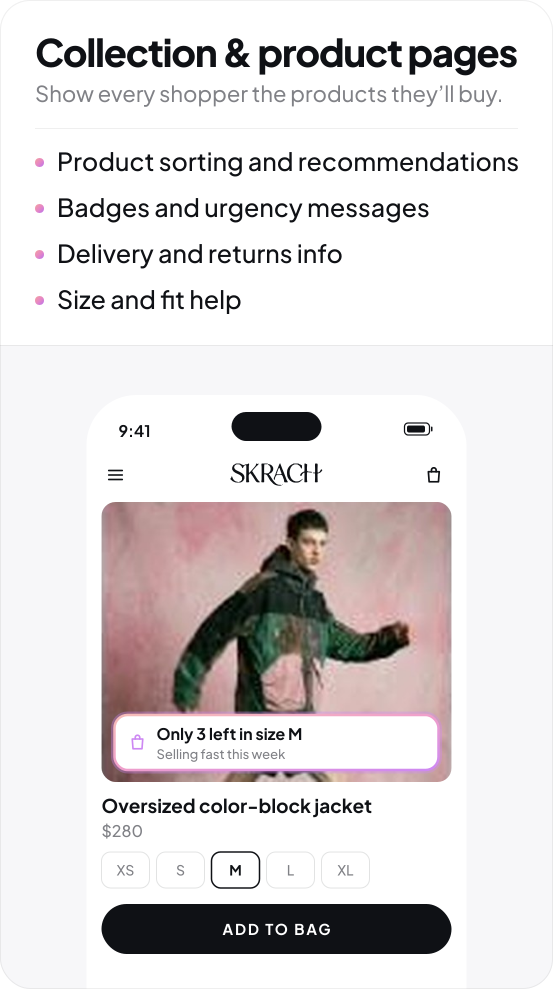
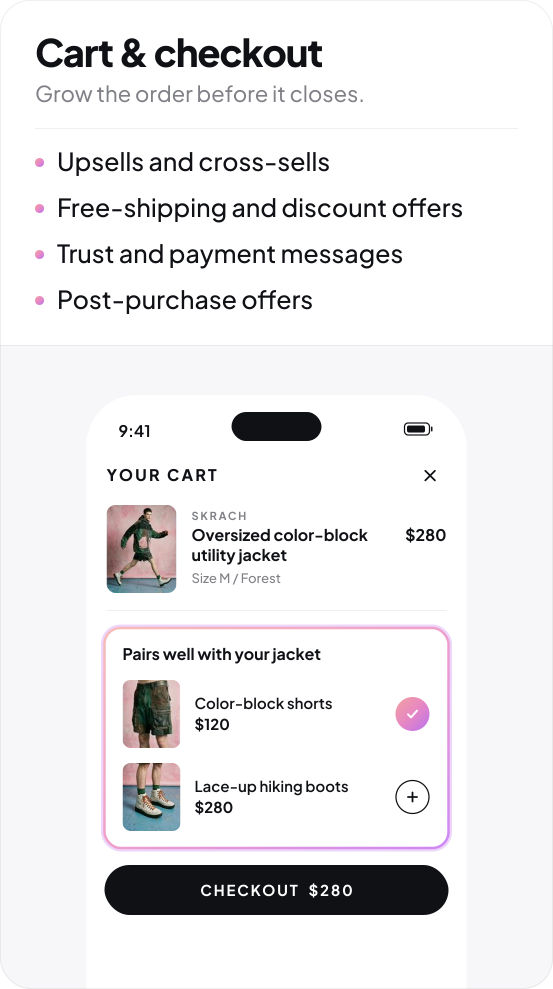
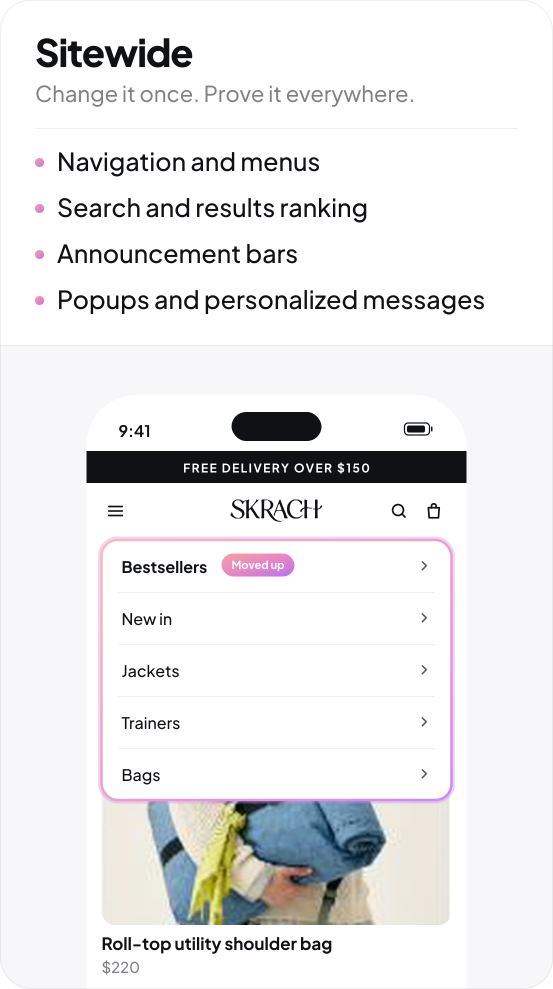
Change anything. Prove it worked.

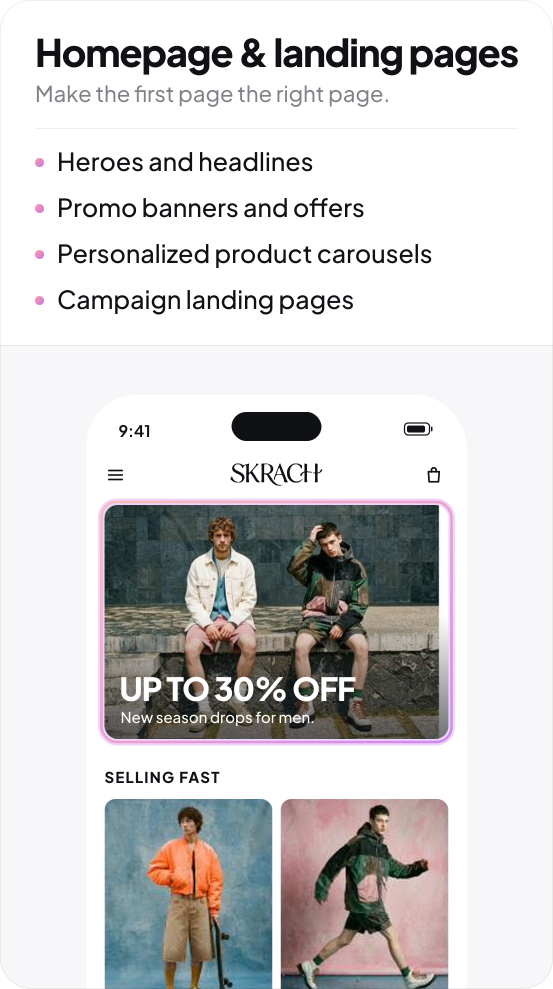
From landing to leaving, build any experience, merchandise the products and personalize for every audience. Then test every change.

1-homepage-landing-pages-1
2-collection-product-pages-1
3-cart-checkout-1
4-sitewide-1

Experiment setup

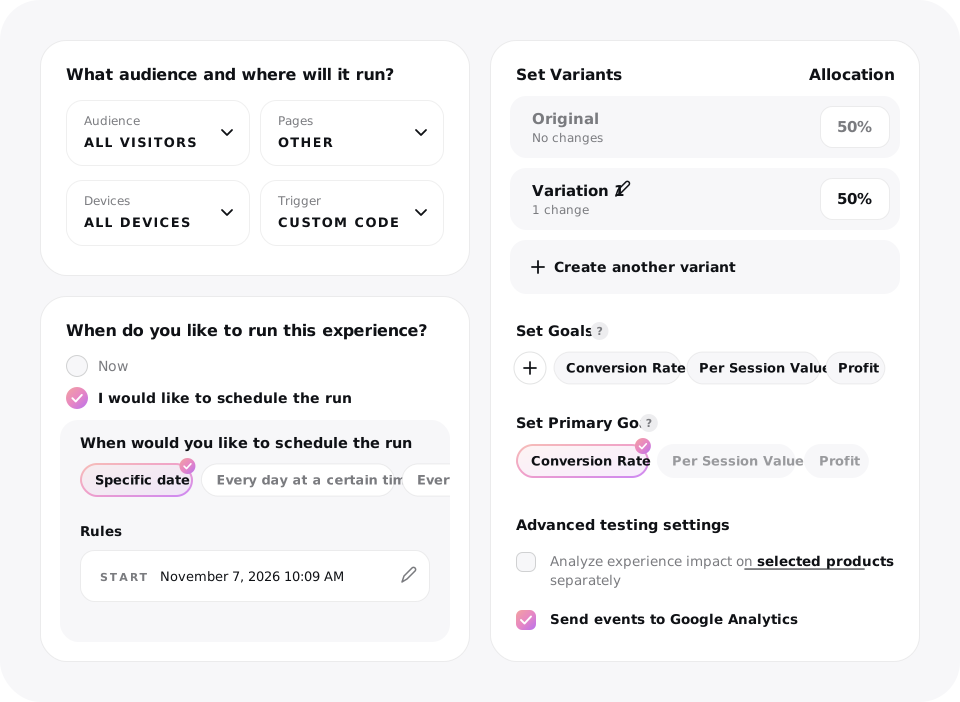
You decide what goes live

Choose the audience, traffic split, and launch time. Review the experience before shoppers see it.

  • Target and set conditions

    Choose audience, pages, devices, and triggers.

  • Control exposure

    Set the split between your control and variations.

  • Launch on your terms

    Preview, schedule, and approve the experiment.


experience-setup
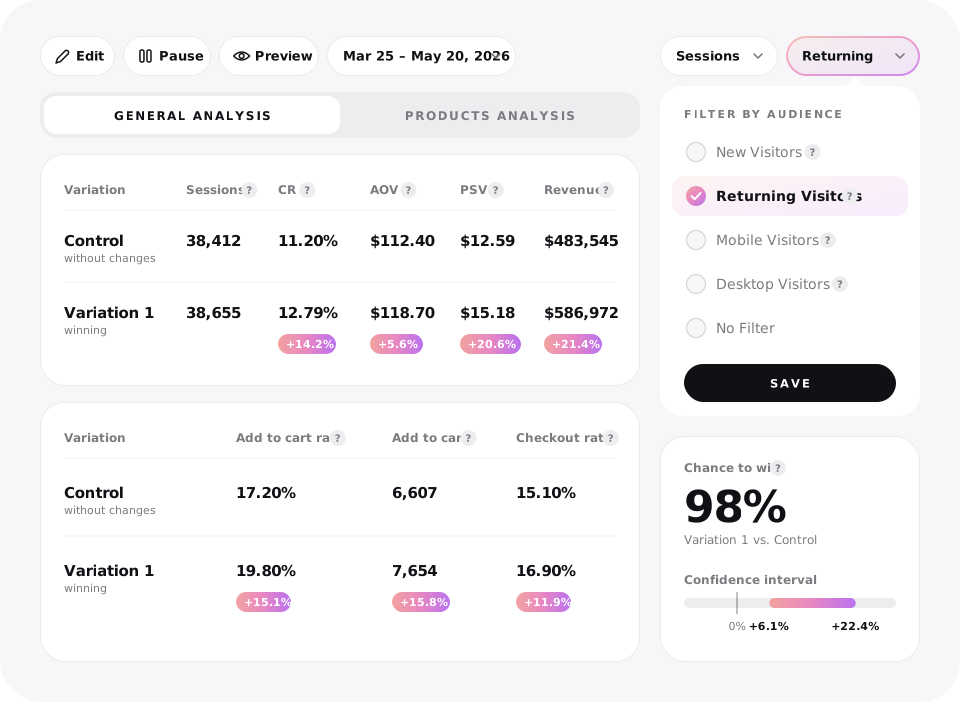
test-results

Results & decisions

See what worked.
Decide what's next

Compare variations by conversion, revenue, and other goals. Check the evidence, then roll a winner out to 100% of traffic when you're ready.


Success Stories

More revenue. Better results.

See the business results Shopify brands have reported with Visually.

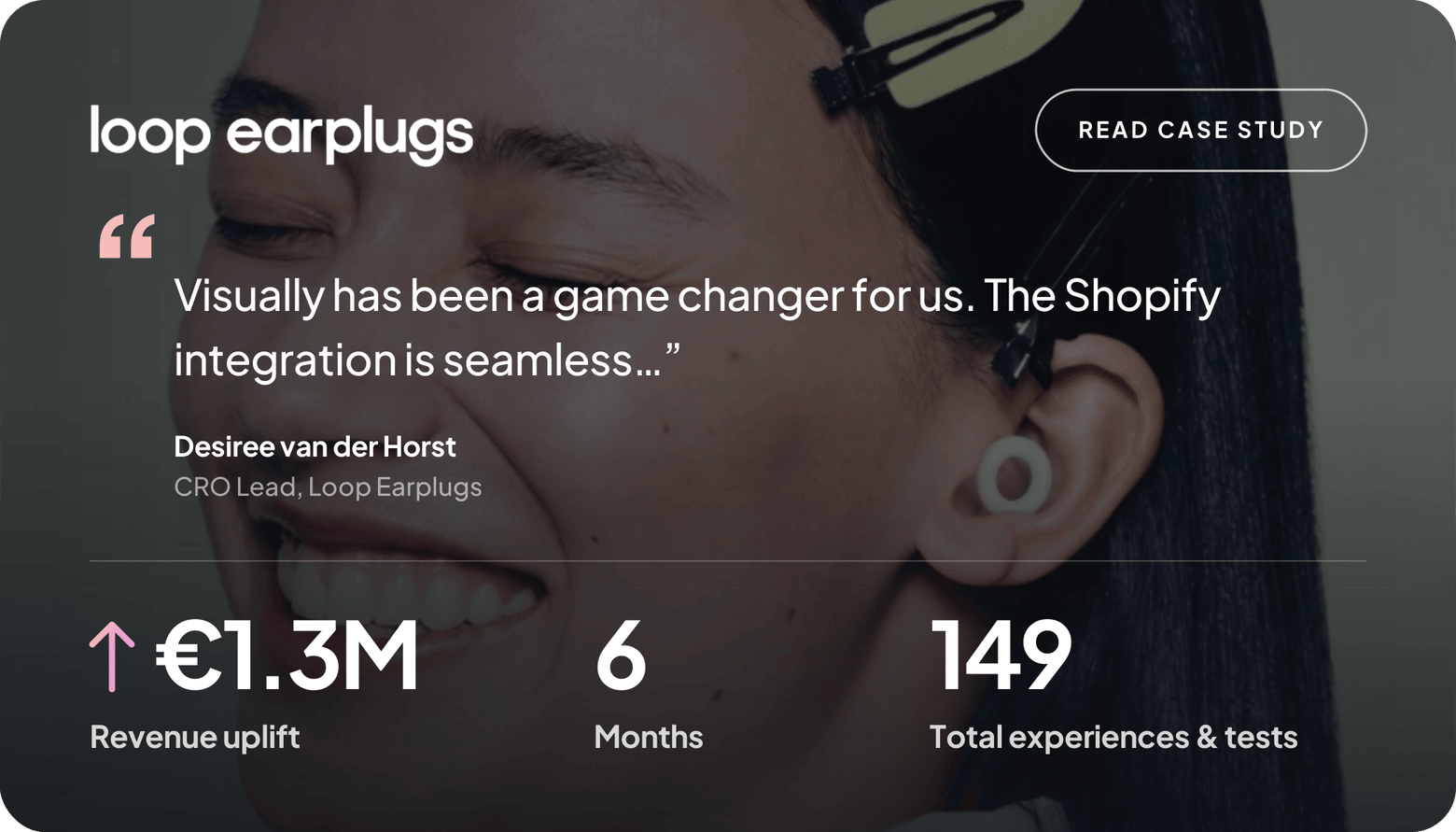
loop-case-study
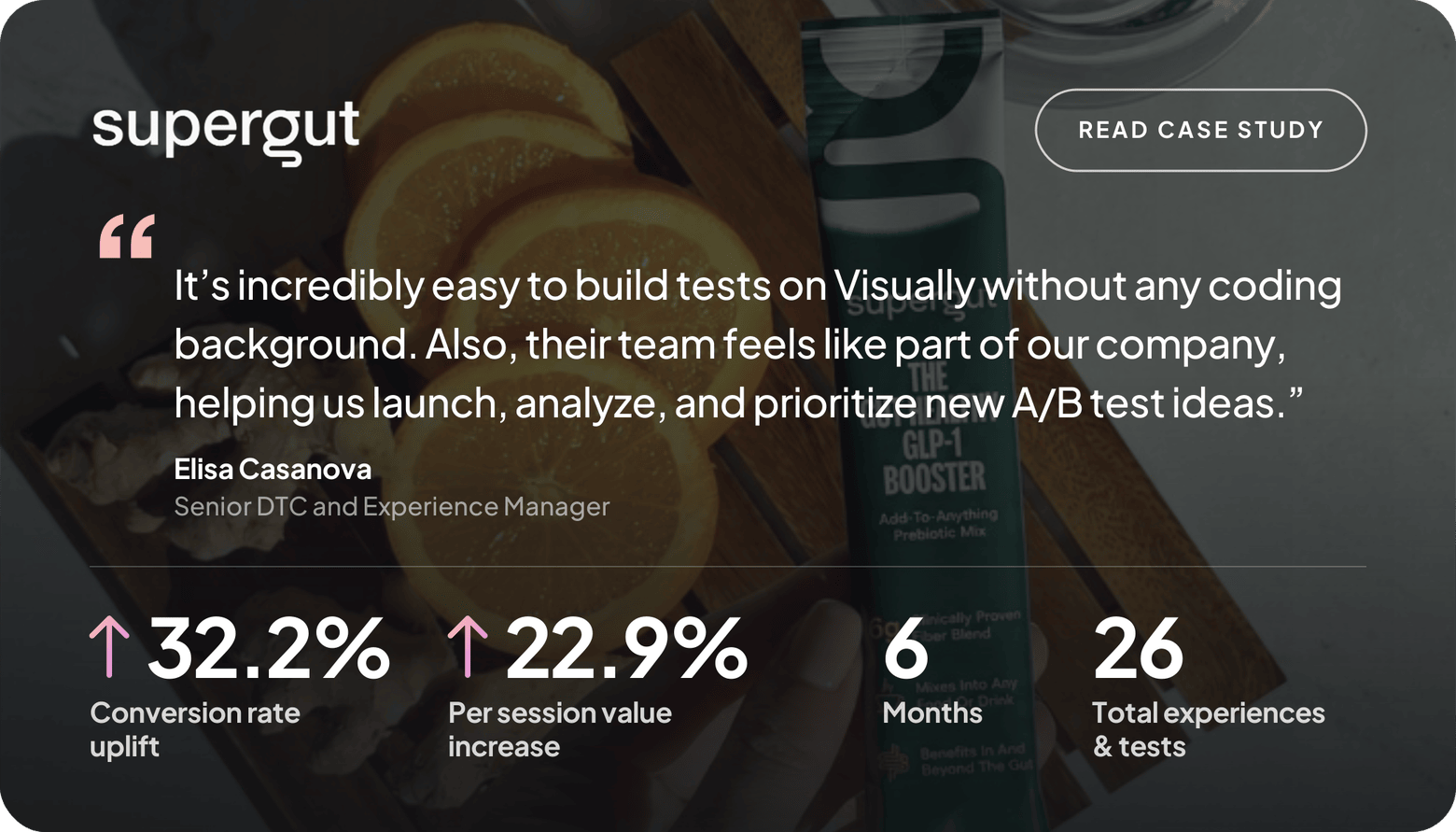
supergut-case-study1
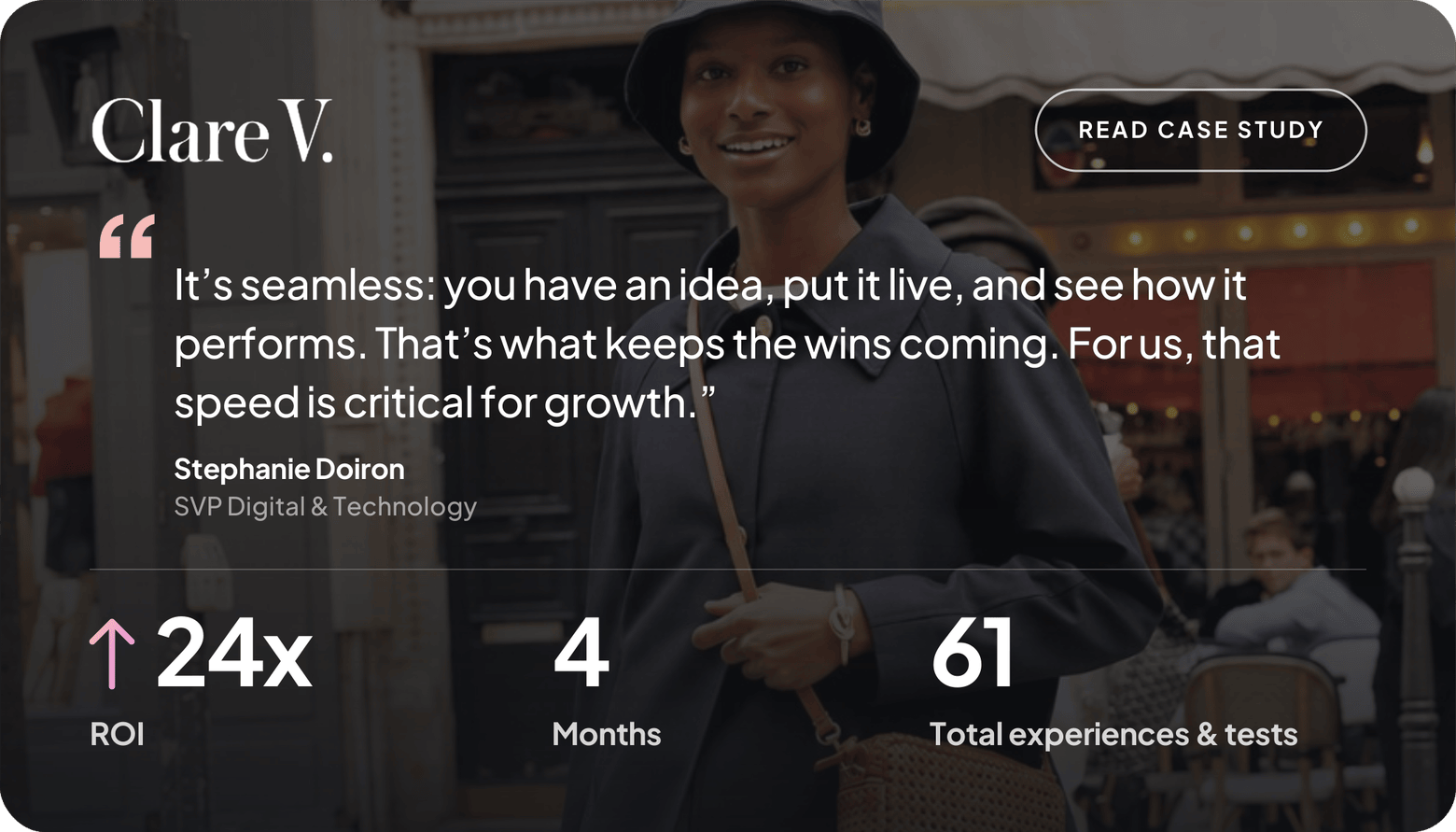
clarev-case-study
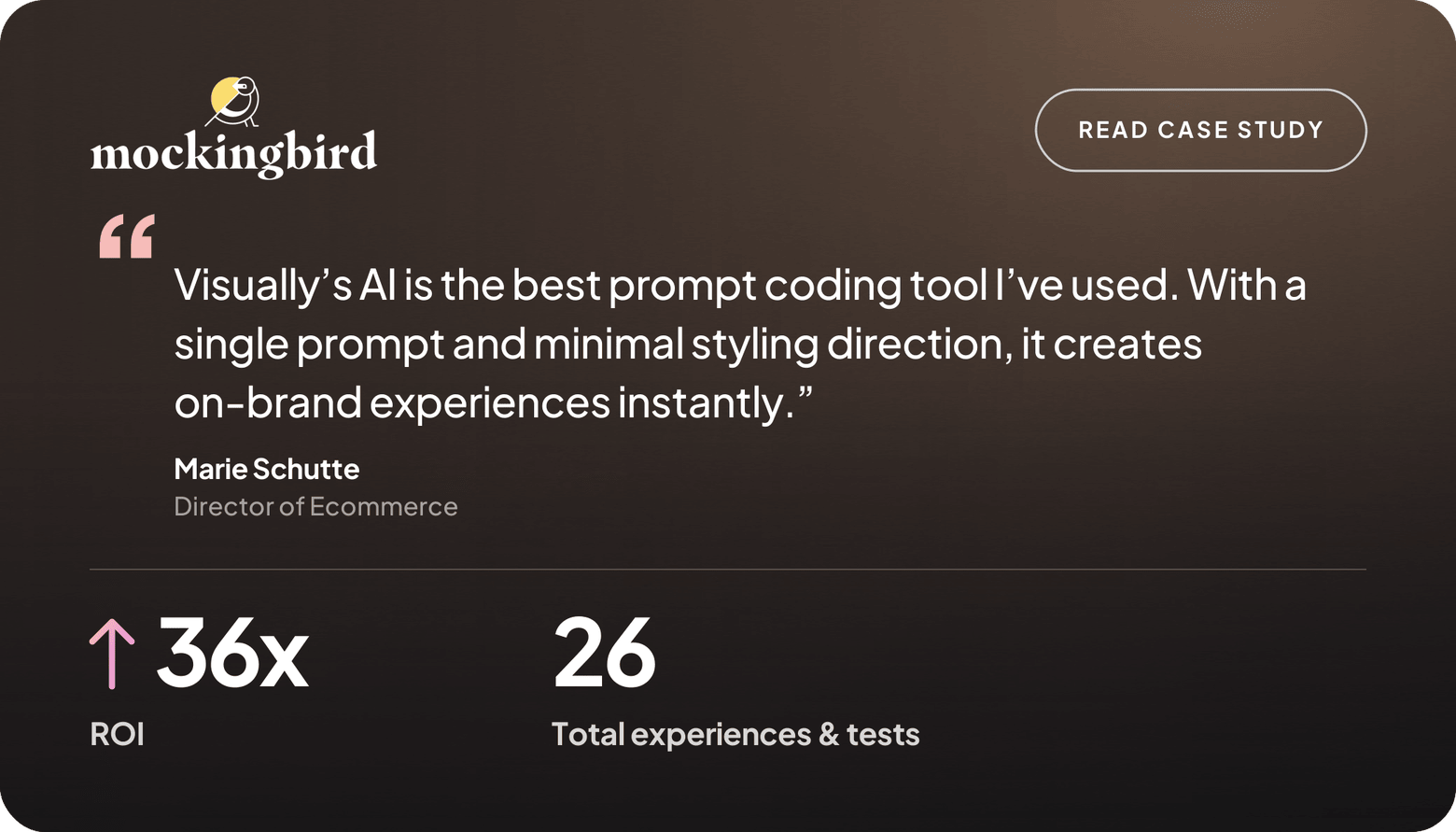
mockingbird-case-study

YOU MAY NEED TO KNOW

Frequently Asked Questions

What can I build with Visually?

With Visually, you can build and edit almost any part of your Shopify storefront—from headlines, images, and page layouts to product recommendations, upsells, interactive features, checkout experiences, and post-purchase offers. Use AI to bring your ideas to life and turn them into experiences you can test.

Does Visually AI tailor experiences to my store?

Yes. Visually AI connects to your store’s catalog, brand, and shopper behavior to create experiences tailored to your products, brand, and customers. Trained on 62,000+ real Shopify tests, it combines your store-specific context with CRO learnings to help identify what’s likely to work—so every experience is built around your store and your shoppers’ needs.


Do I need developers to build and test experiences?

No. Ecommerce and marketing teams can build, edit, launch, and optimize experiences without relying on developers for every change. Developers can still support more advanced requirements when needed.

Can I personalize experiences for different shoppers?

Yes. Create audience segments based on attributes such as device, location, and traffic source, and much more, as well as shopper behavior, events, and purchase history. Then personalize experiences for each audience and test what performs best.

What can I test with Visually?

You can test everything from individual page elements and layouts to product recommendations, upsells, pricing strategies, shipping offers, themes, and broader shopping experiences. The available options can depend on your Shopify setup and plan.

Can I run experiments across the entire shopping journey?

Yes. Visually supports experiments across key parts of the shopping journey, including product pages, collection pages, cart, checkout, and post-purchase experiences. You can test individual changes or evaluate experiences across multiple touchpoints.

How do I know which experience performs best?

Visually provides experiment reporting with metrics and shoppers event tracking, so you can compare variations and understand what drives results. Drill down into performance by audience or individual product for more precise insights into what works best for each shopper segment and which products drive the strongest results.

What happens when I find a winning variation?

When your test identifies a winning experience, you can roll it out to 100% of visitors in one click, turning your experiment into an optimized live experience.

How many experiments can I run in parallel?

Visually lets you run multiple experiments concurrently, so your team can test more ideas and learn faster. Its parallel testing capabilities help prevent conflicting experiences, allowing you to scale your experimentation program without slowing down your team.

Got an idea?

Test it. Build the experience, launch the test, and see what works.

Book a demo
Start free trial