Setting up the experience on Visually
Build time : 2 minutes
- Click on 'Create New Experience'.
- Under 'Pages' > select 'Homepage'.
- Under 'Devices' > select either 'Desktop', 'Mobile', or 'All Devices'.

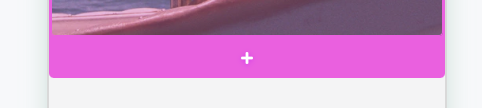
- Access the preview window on the left side of the editor > hover above the main banner > click the '+' button below it.
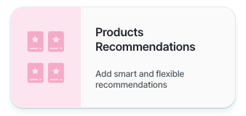
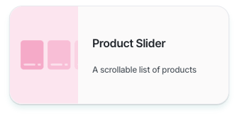
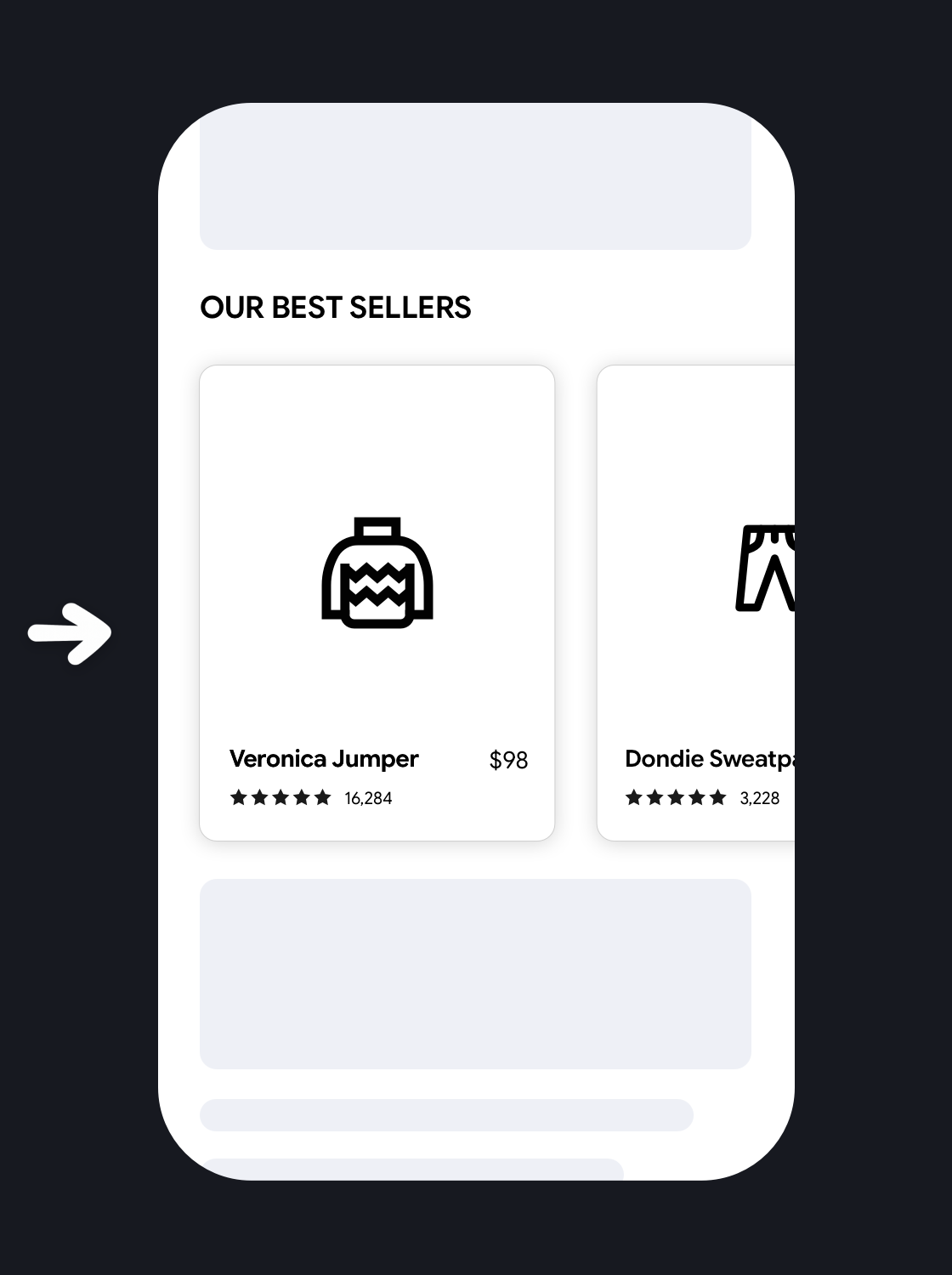
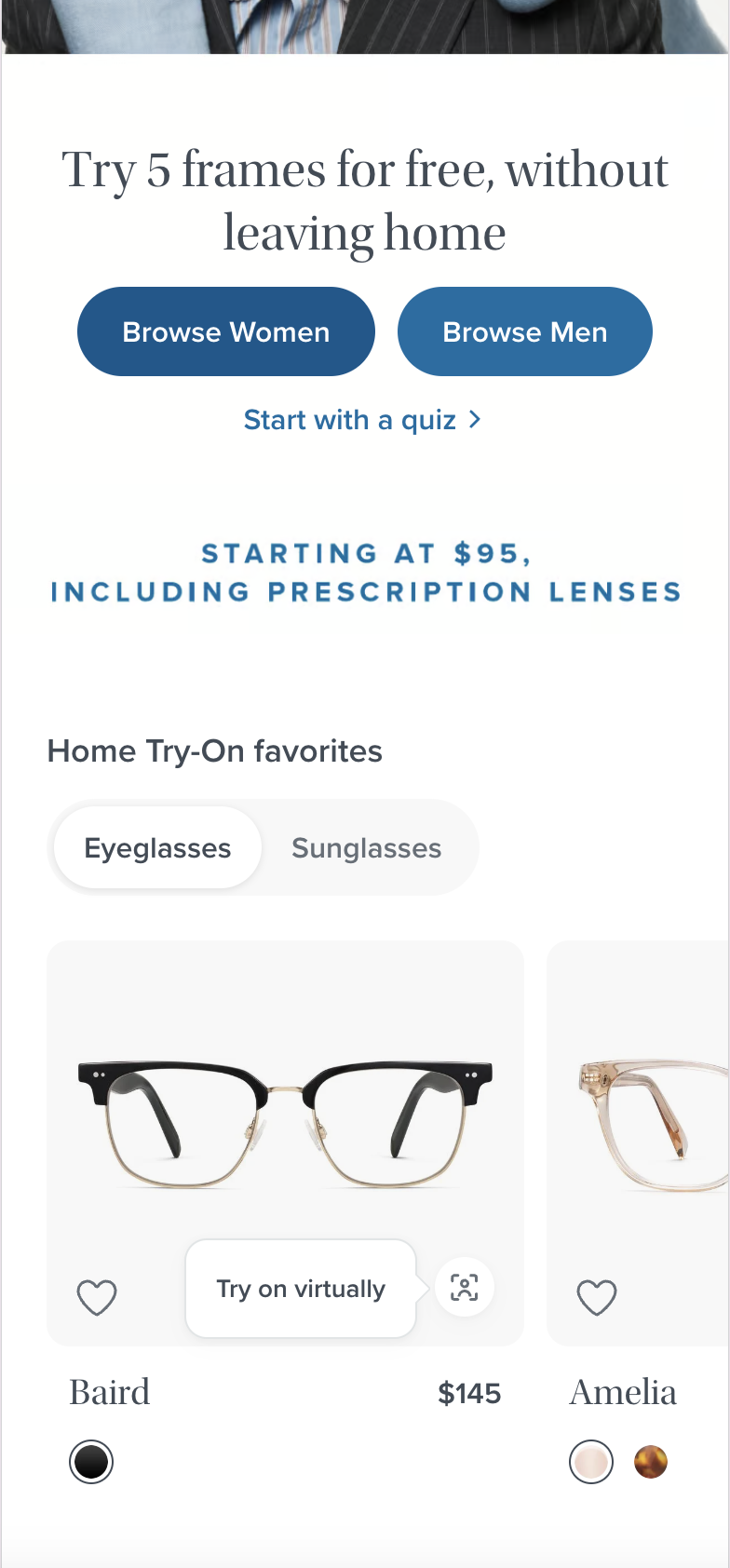
- Select 'Products Recommendations', and then select 'Product Slider'.
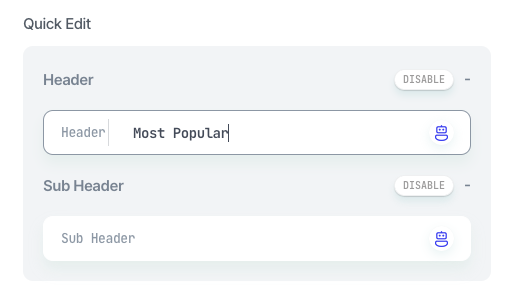
- Under 'Quick Edit' > Modify the Header to say "Most Popular", or any other title to describe this section.
- Select 'Products Recommendations', and then select 'Product Slider'.
- Under Styling, click on 'Customize' to design the section for your brand, or select a style you previously saved from the dropdown.
Once you're done, click Apply.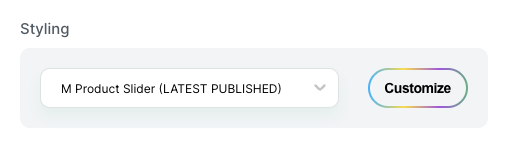
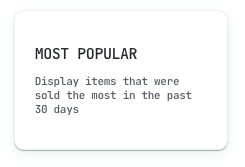
- Set up the strategy by selecting 'Most Popular', and then click 'Save'.
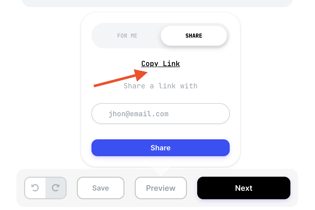
- Make sure to preview the experience before publishing. If you're running the experience on mobile, you can preview it on a mobile device using a generated link by clicking on Preview > Share > Copy Link.
You can learn more about using Preview to QA an experience here.
- Don't forget to save before publishing.

- All set! Click on the next button and give a name to the experience.
- Choose if you want to run this experience as an A/B test, or schedule the change for a specific time and date.
- To publish the Experience, click on 'Publish'.
 |
Potential uplift of 2% to 8% in CR. |

 Setting up the experience on Visually
