New Release
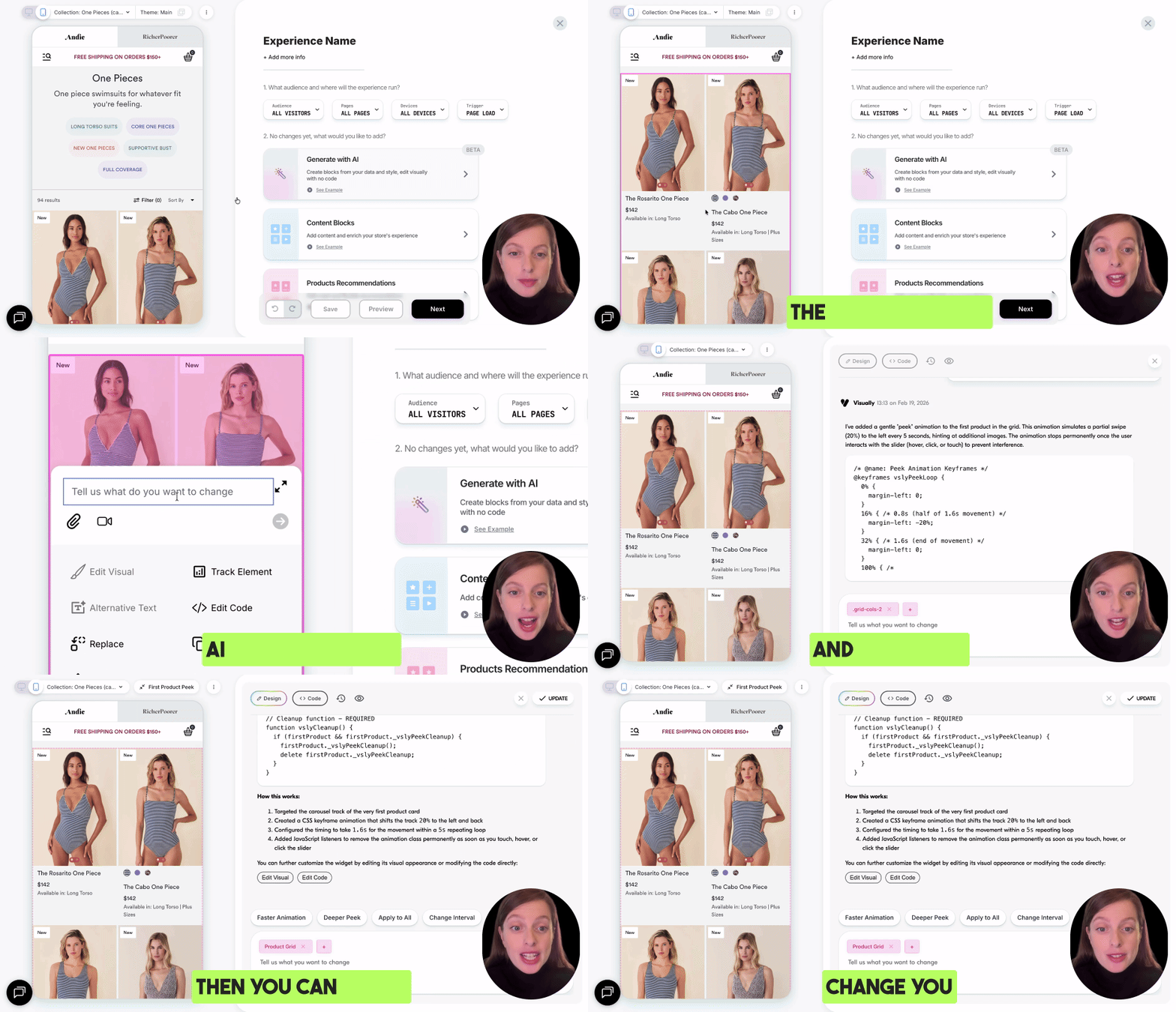
Meet Visually Copilot
-
The only AI-Powered CRO platform for Shopify
Welcome to unlimited CRO with endless optimization and personalization possibilities! Just write a prompt and your experience is created on the spot. As simple as that.
- Add new features
- Edit existing elements
- Set any functionality
- A/B test anything
More info widget
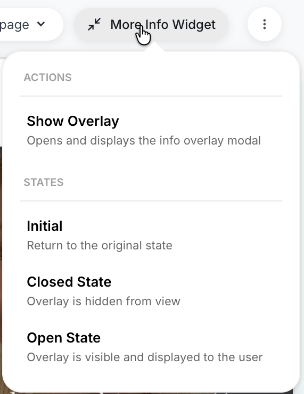
Displaying added widgets (scroll to inline or open overlay/popup elements). Navigate the states of a component (loading, open, collapsed).
Use cases
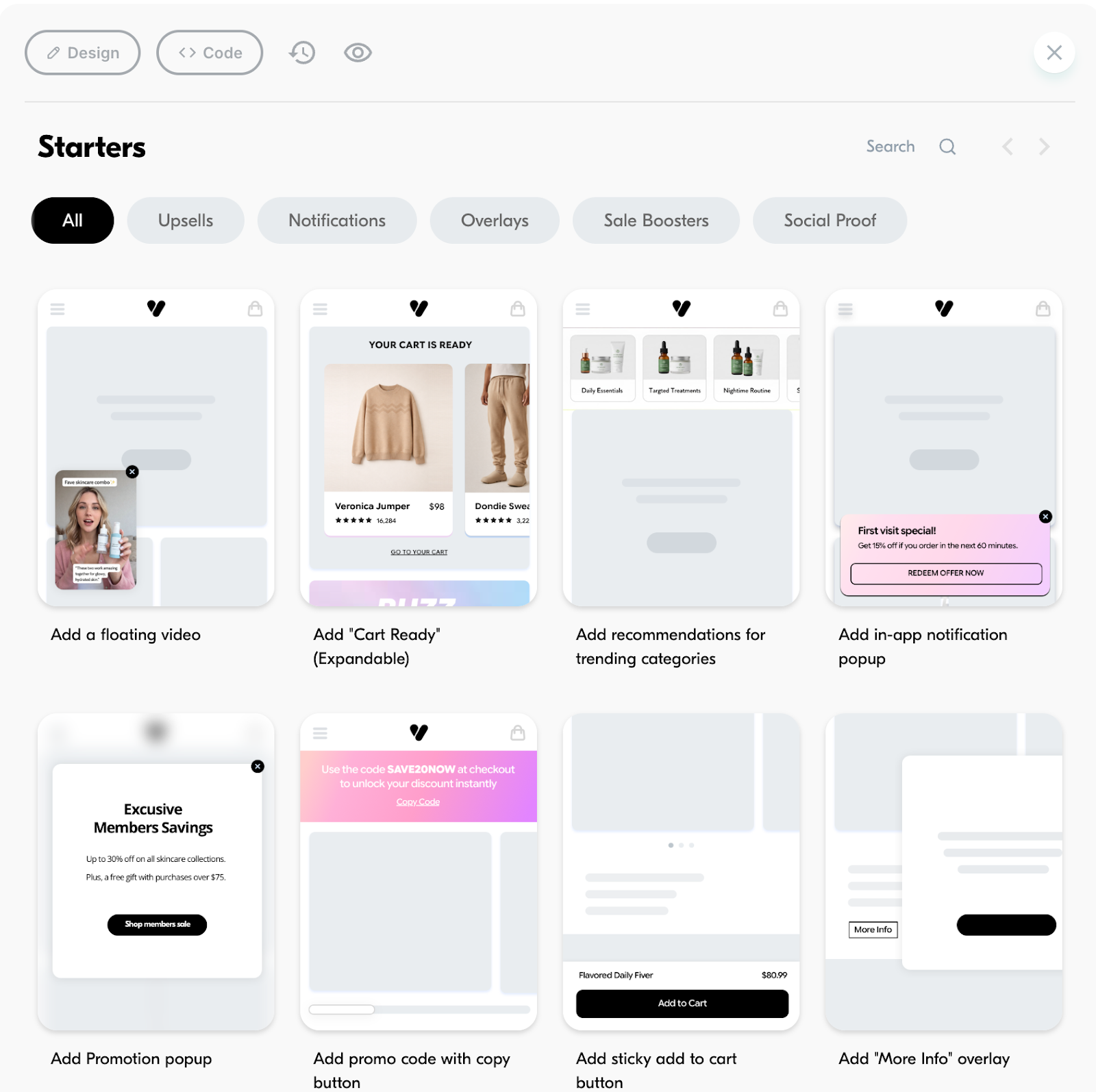
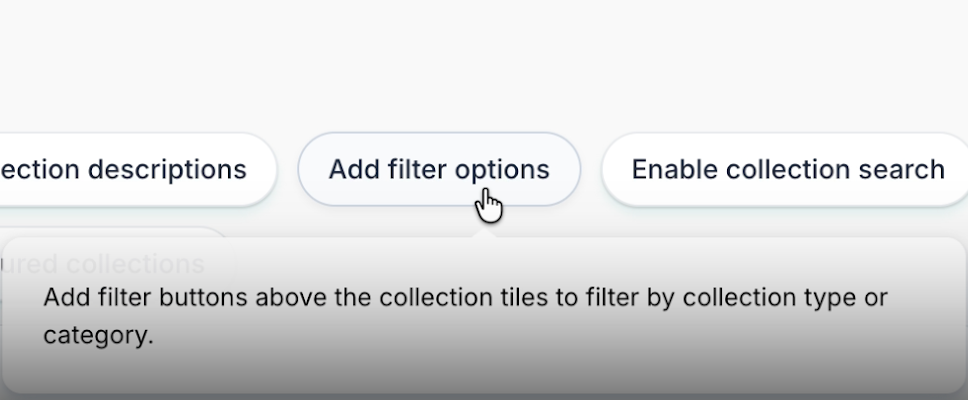
Added use cases with an image tooltip hover over, quick filters and a search option
Personalized follow ups
Personalized follow ups on AI-Component-Builder

Signup fields
Add signup fields, capture emails and integrate with Klaviyo
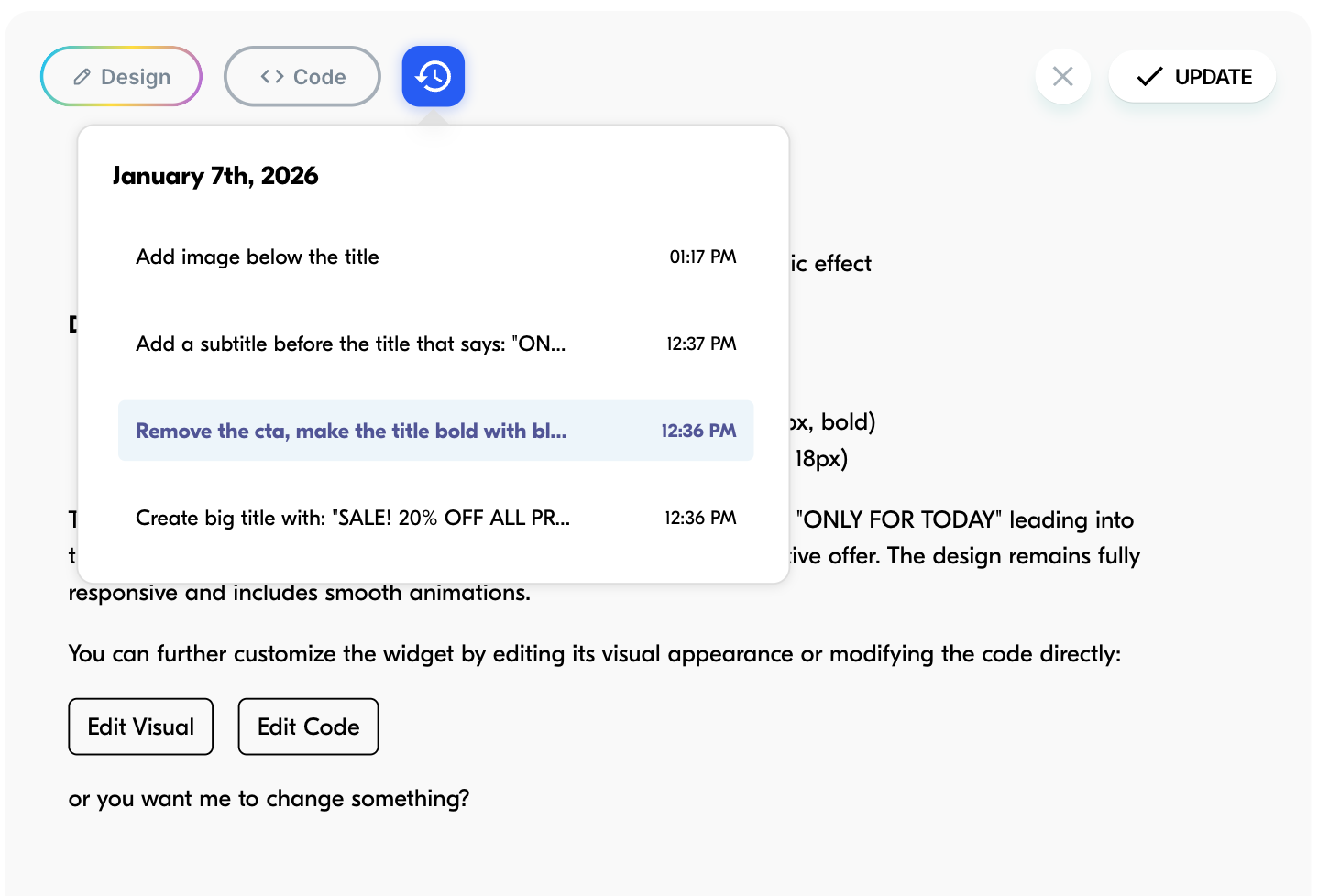
Chat history
History support to restore the chat to a specific checkpoint and iterate from there
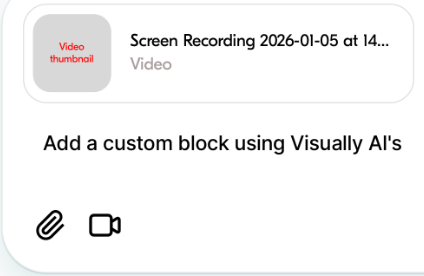
Videos in the chat
We automatically separate the video into key frames for further animation, context and updates needed
-
Cart Editor Improvements
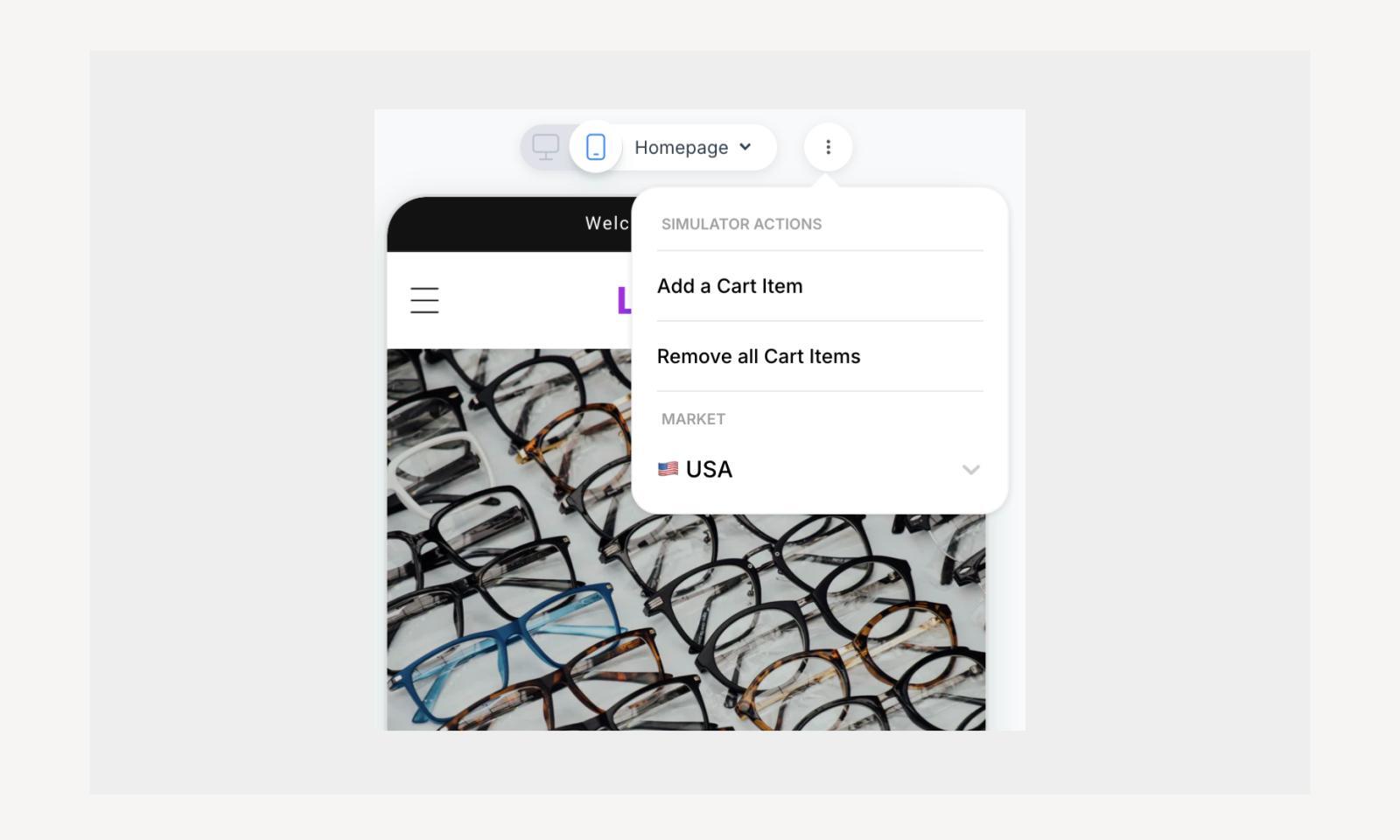
A new menu allows for direct addition or removal of cart items, streamlining the editing process.
- Add Items to Cart: Users can now easily add items directly to their cart from the editor without needing to navigate to a product page first.
- Clear Cart Contents: Users can now clear all items from the cart with a single click without needing to open the cart in the editor.
- Market Change Capability: Users can change the market (locale & currency) seamlessly within the editor.
-
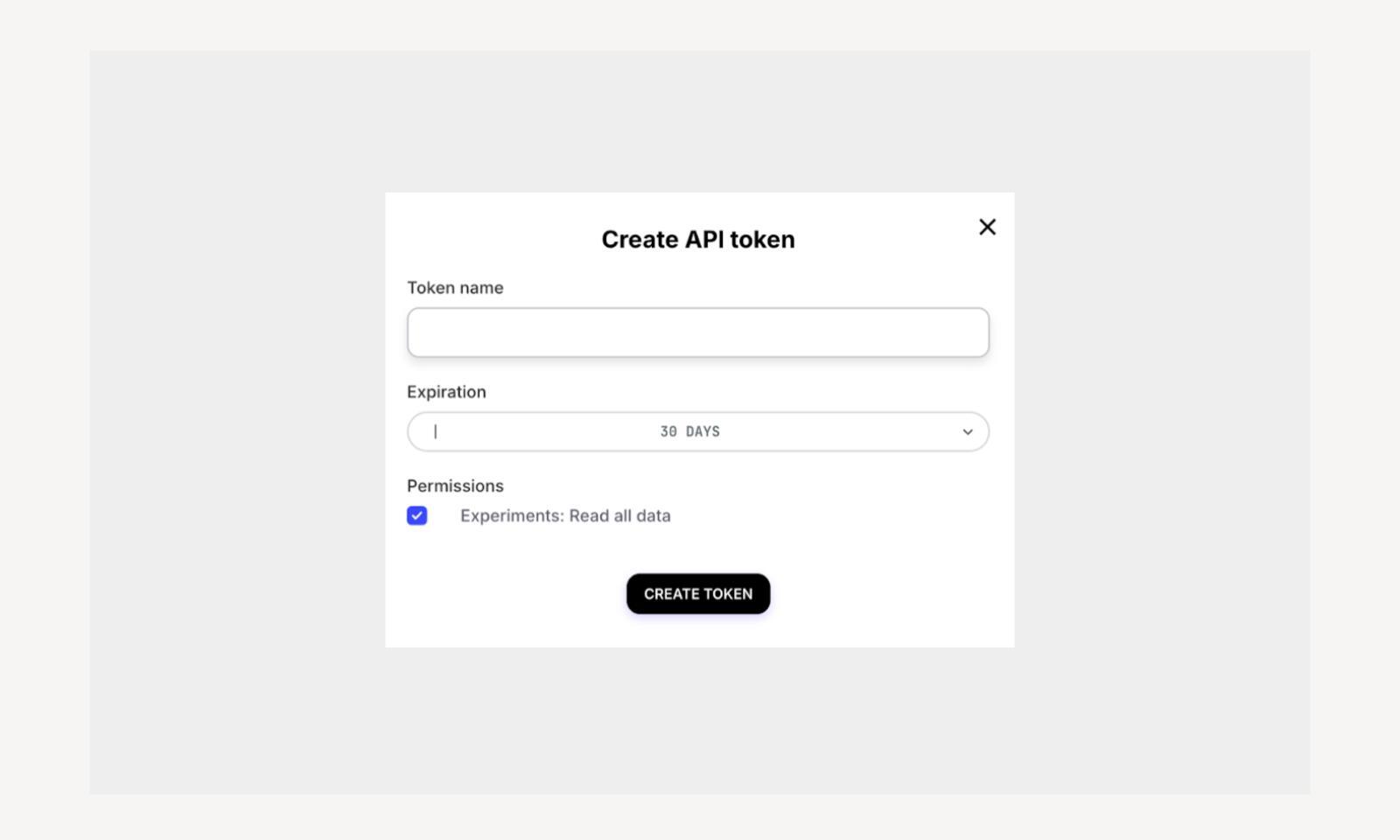
API access to reports data
Allowing admins to create API tokens for fetching experience data via API
-
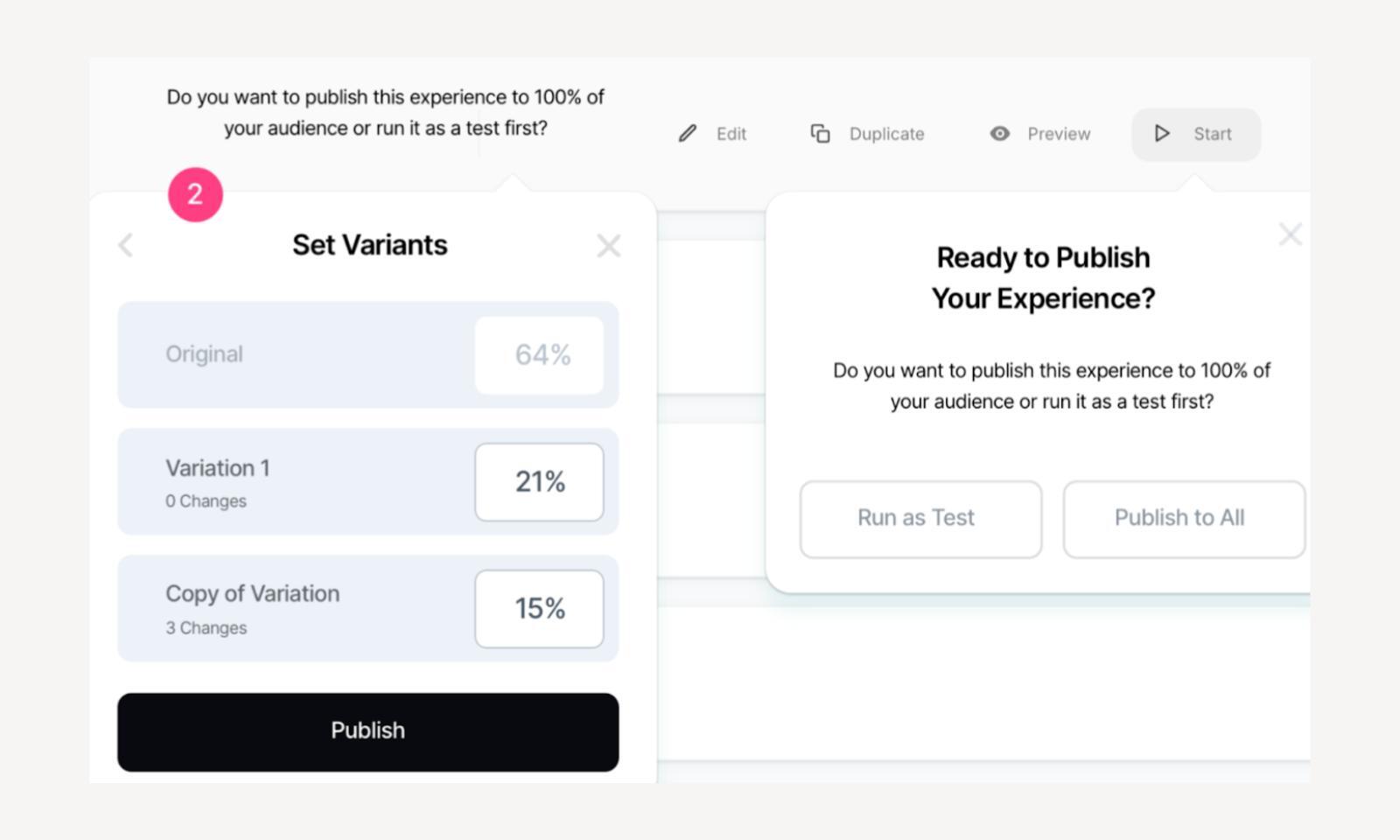
Defined allocations
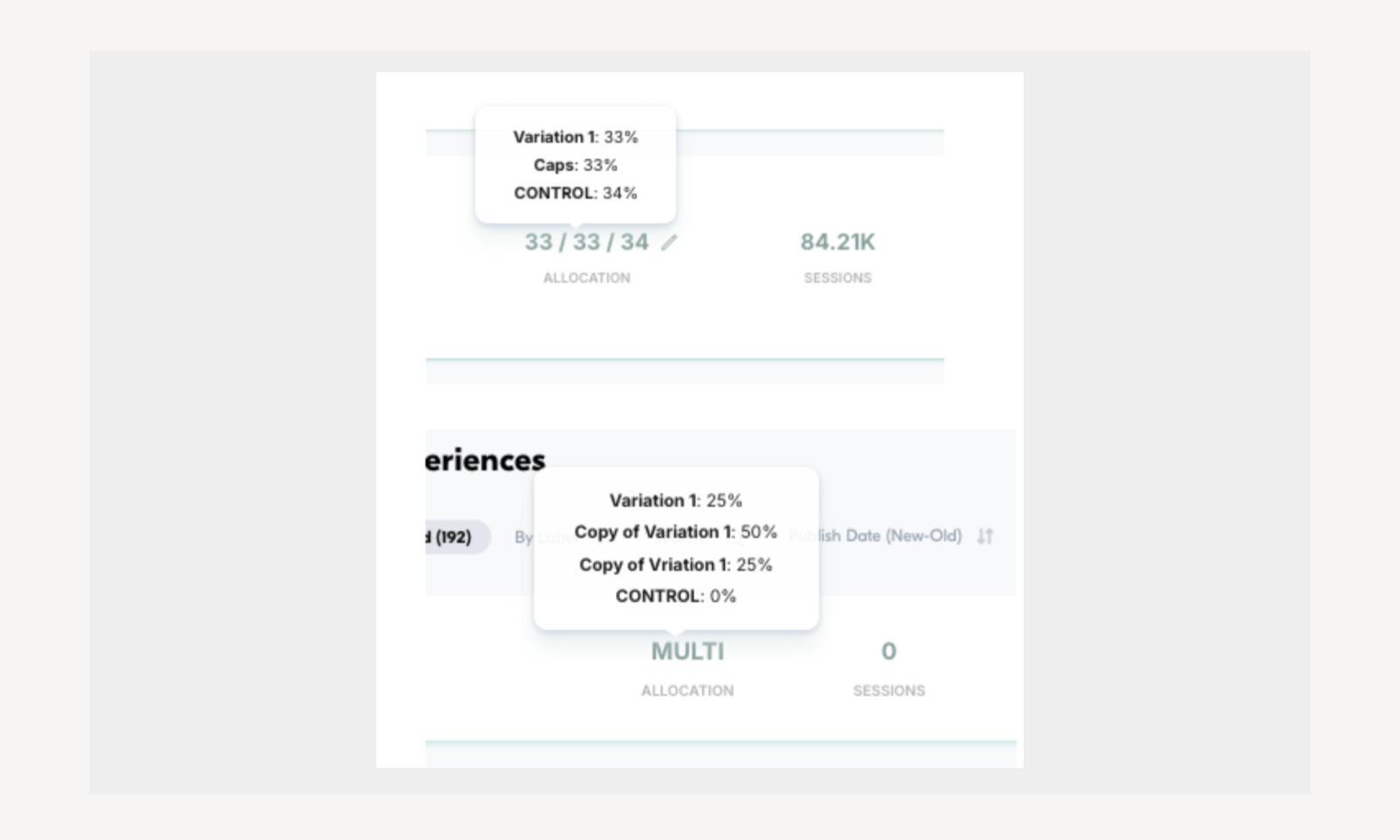
Start an A/B experience with defined allocations from the Dashboard
-
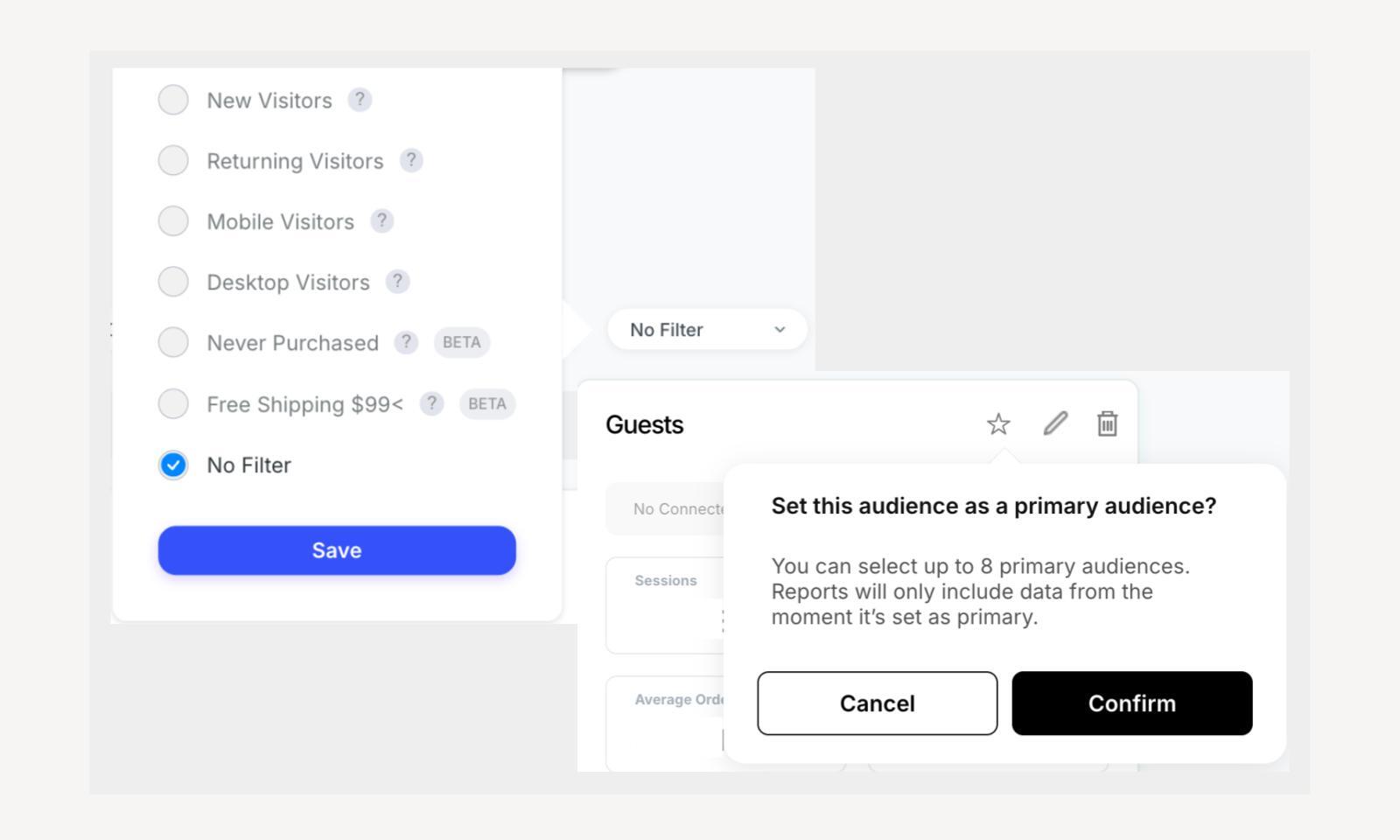
Primary audiences
Build up to 8 primary audiences to filter on the report page. Audience data will start collecting from the moment the audience is built.
-
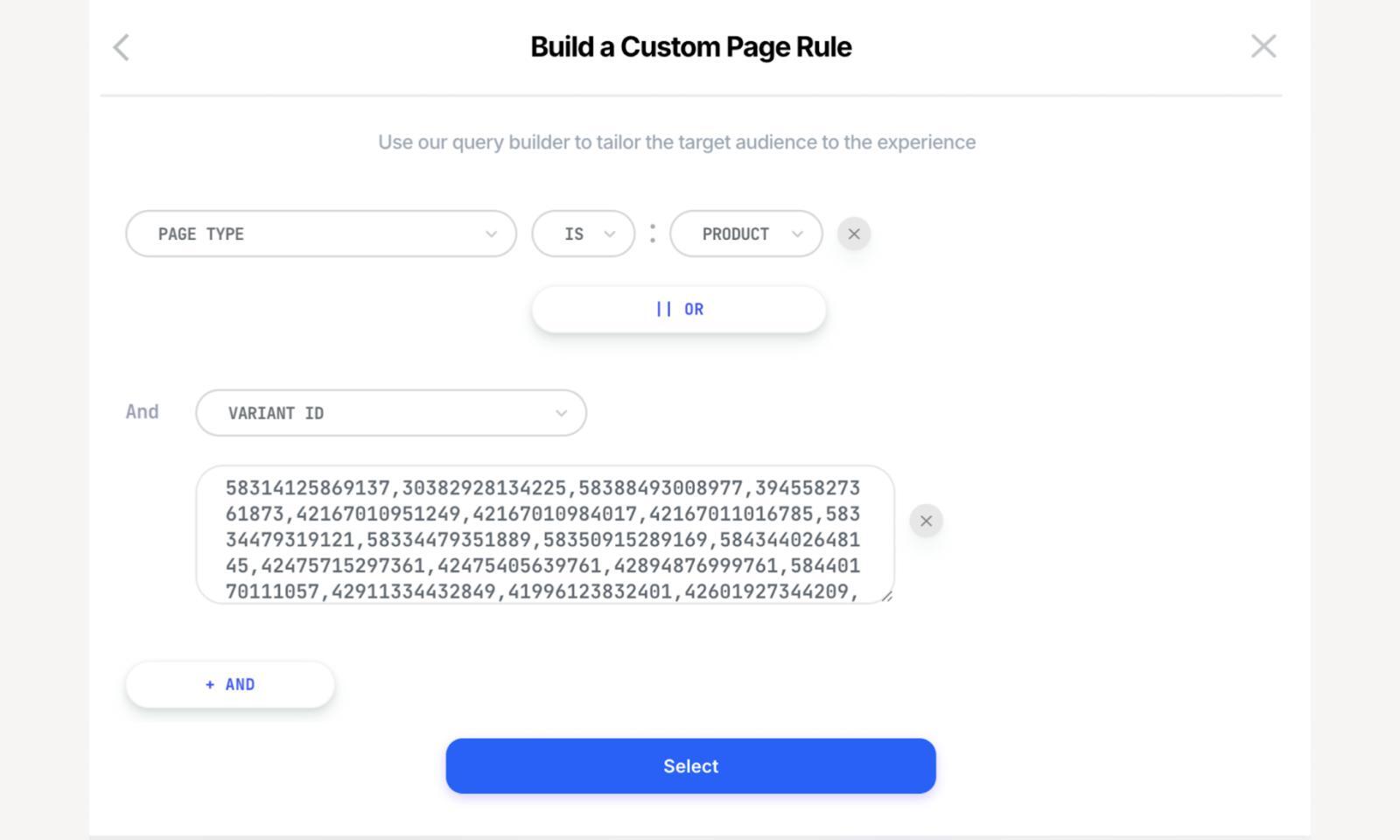
Product variants
Target an experience based on product variants.
-
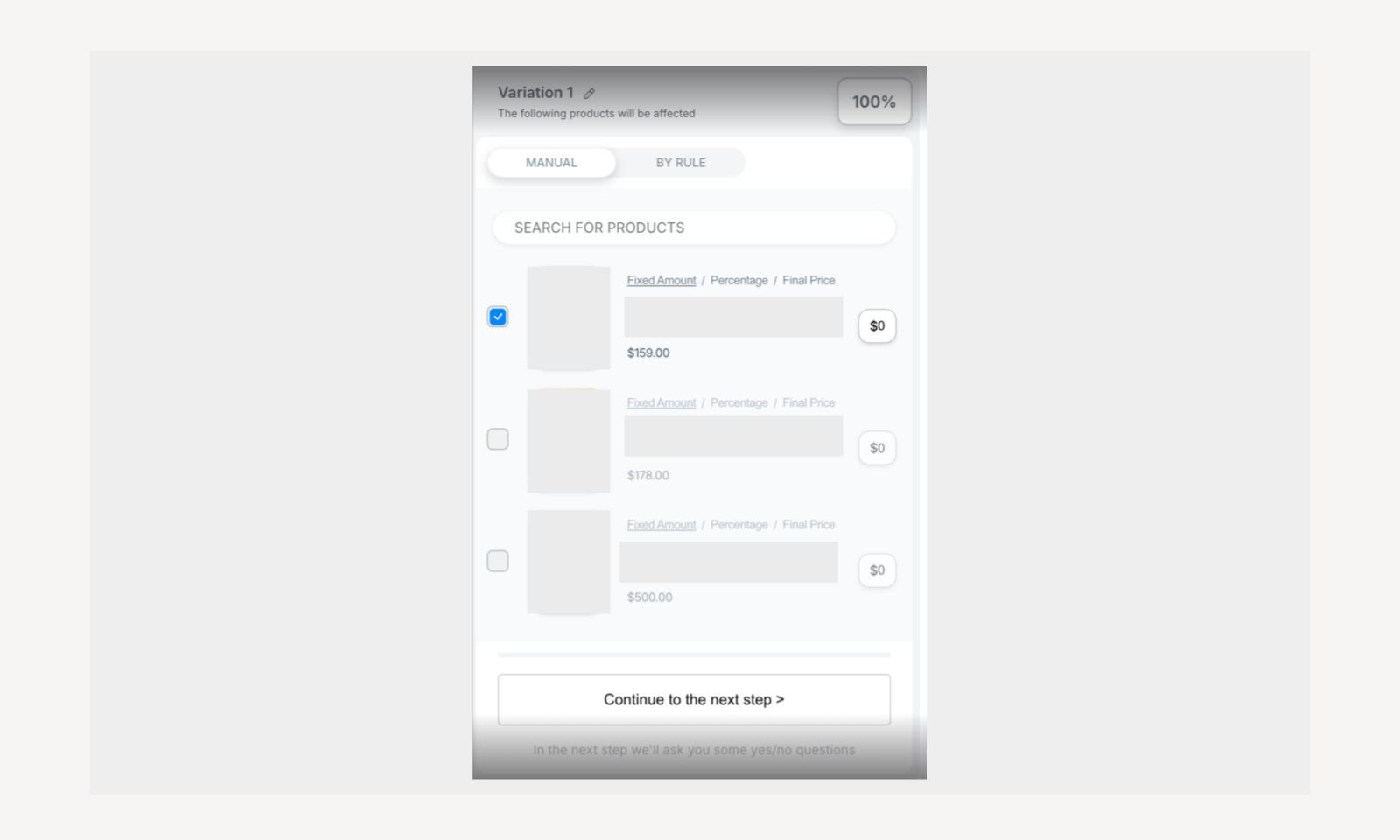
Price tests
Added ability to set a specific price when requesting a price test in the editor instead of just an offset.
-
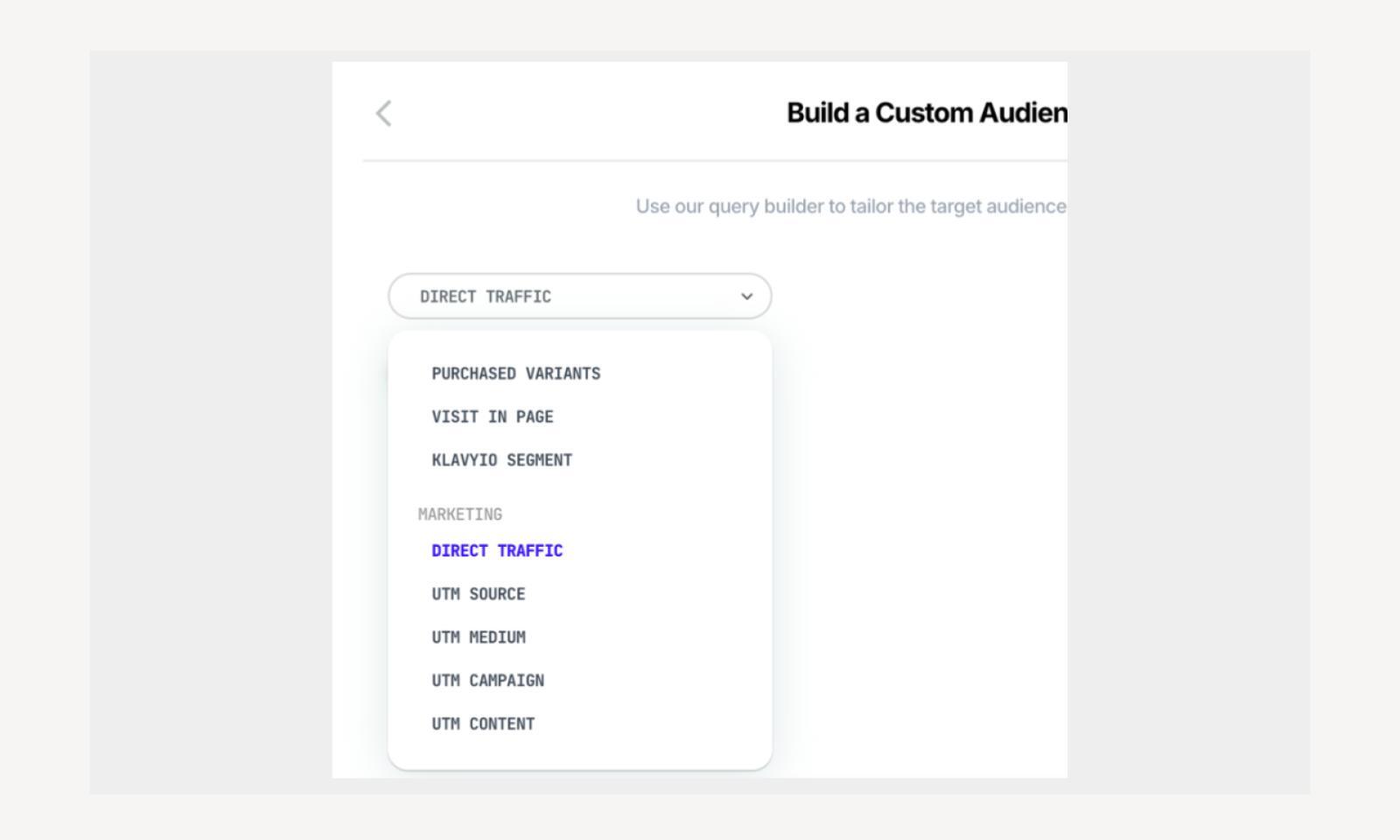
Direct traffic
Targeting option added: Direct Traffic.
-
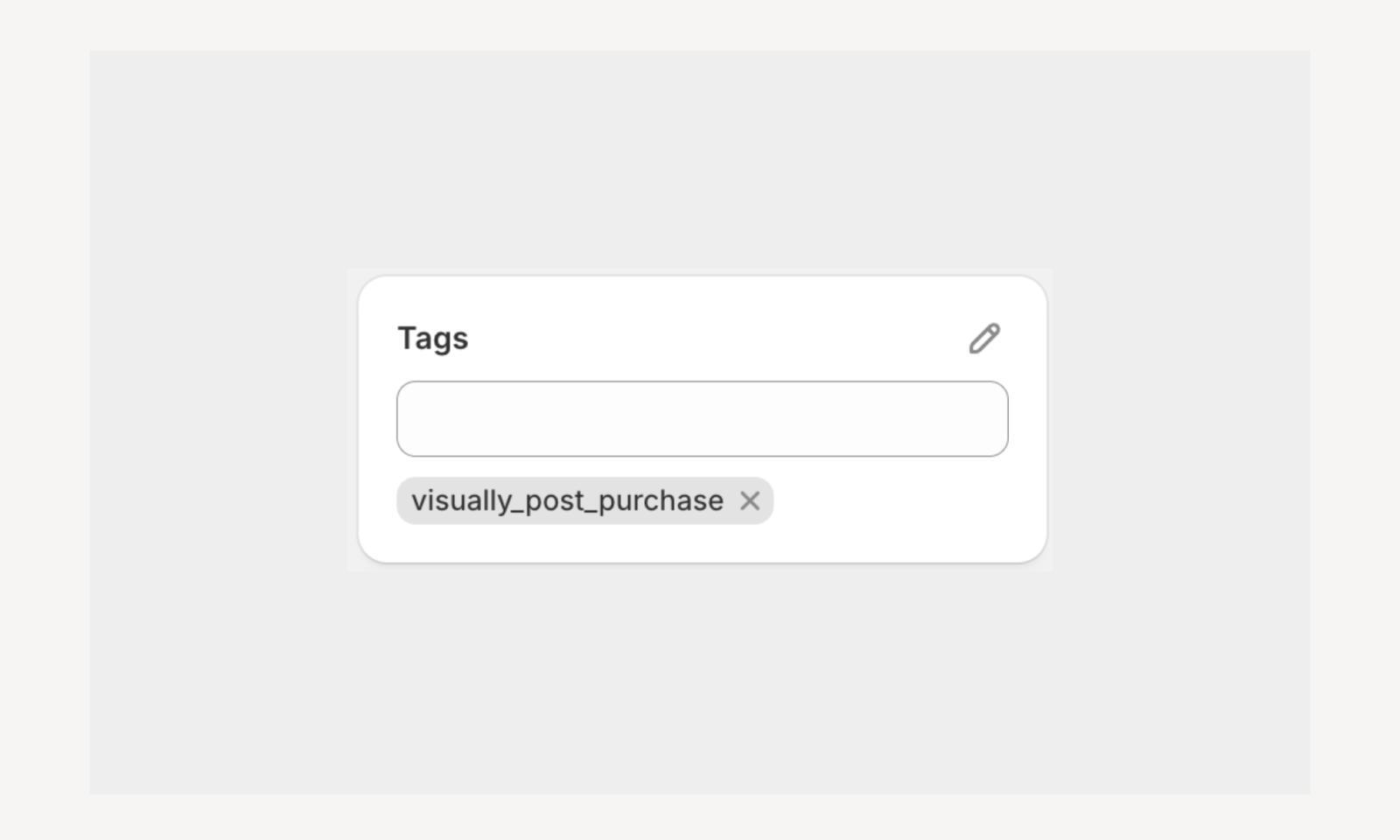
Post-purchase order tags
Tagging Post-Purchase orders on Shopify Admin.
-
Multi variant experiences
View all allocations for multi variant experiences from the Dashboard